
Guide
Accept agreements and choose payment
Before a campaign can be switched on, the terms and the DPA of every operator must be accepted and a payment method chosen. You do both once for your organisation.
Back to help
As a video
The video has no sound, the steps appear in it as subtitles.
Step by step
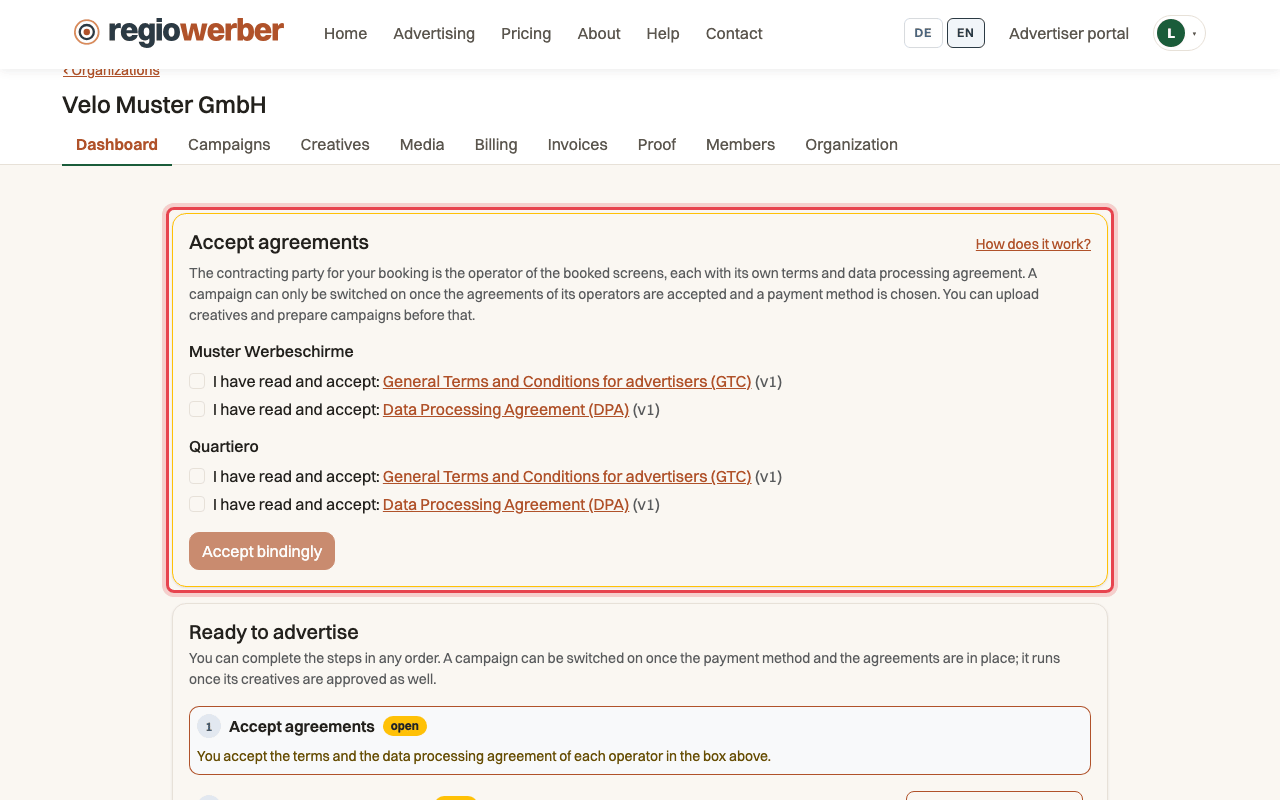
Step 1: Open your organisation, the “Accept agreements” box is at the top.
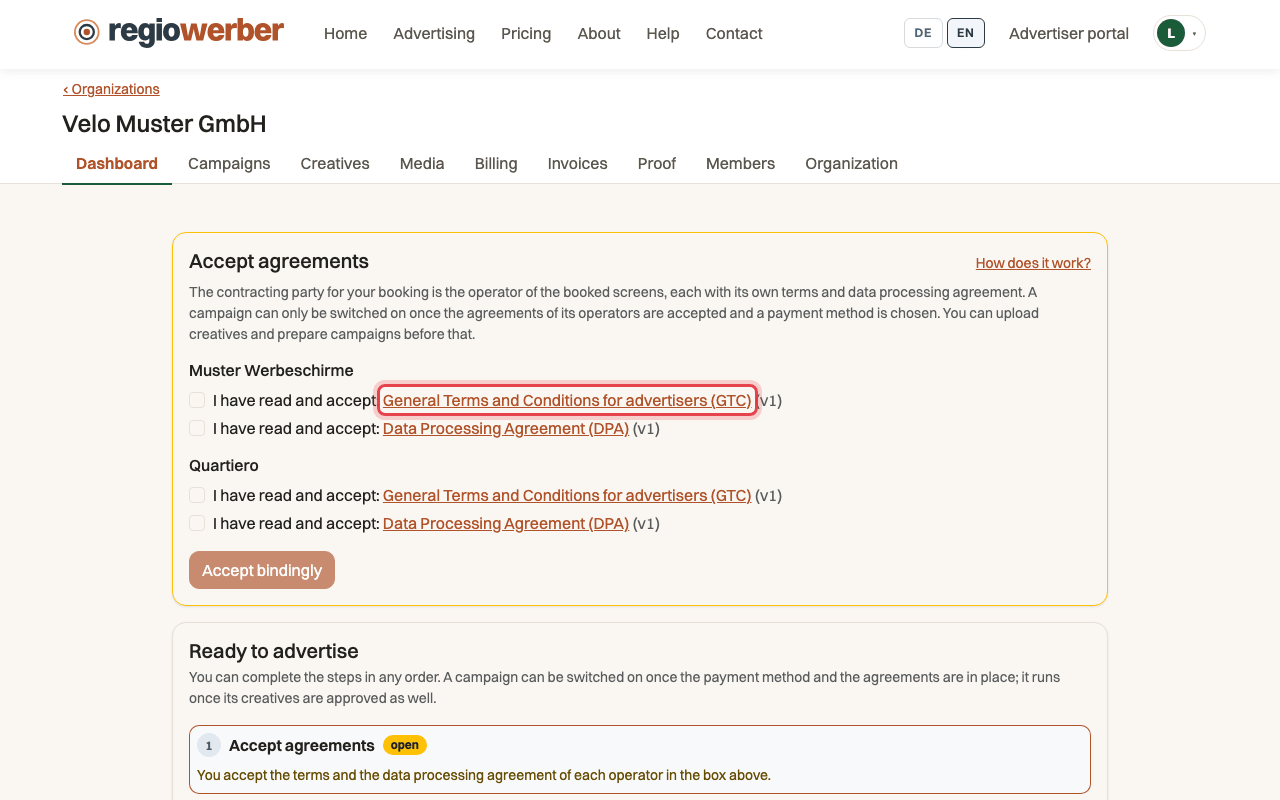
Step 2: The links open the terms and the DPA of each operator.
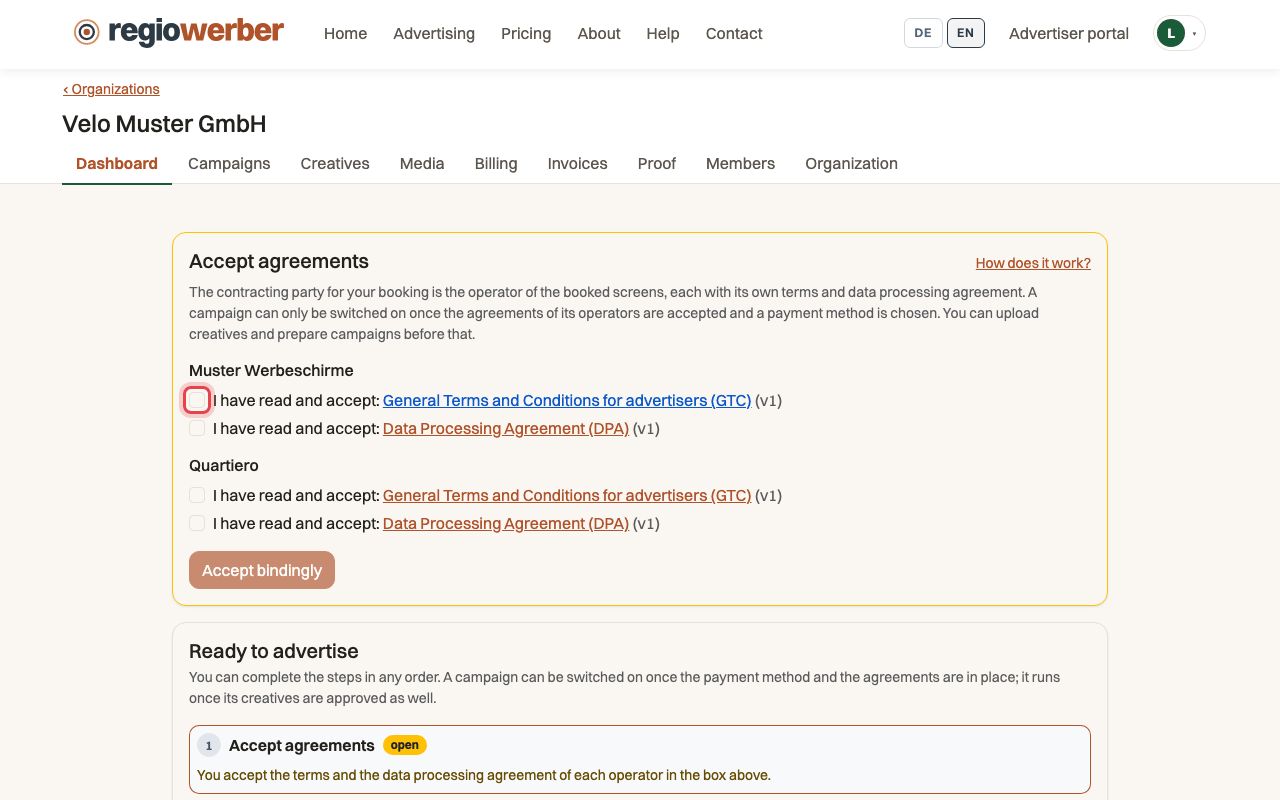
Step 3: Tick the box next to each document.
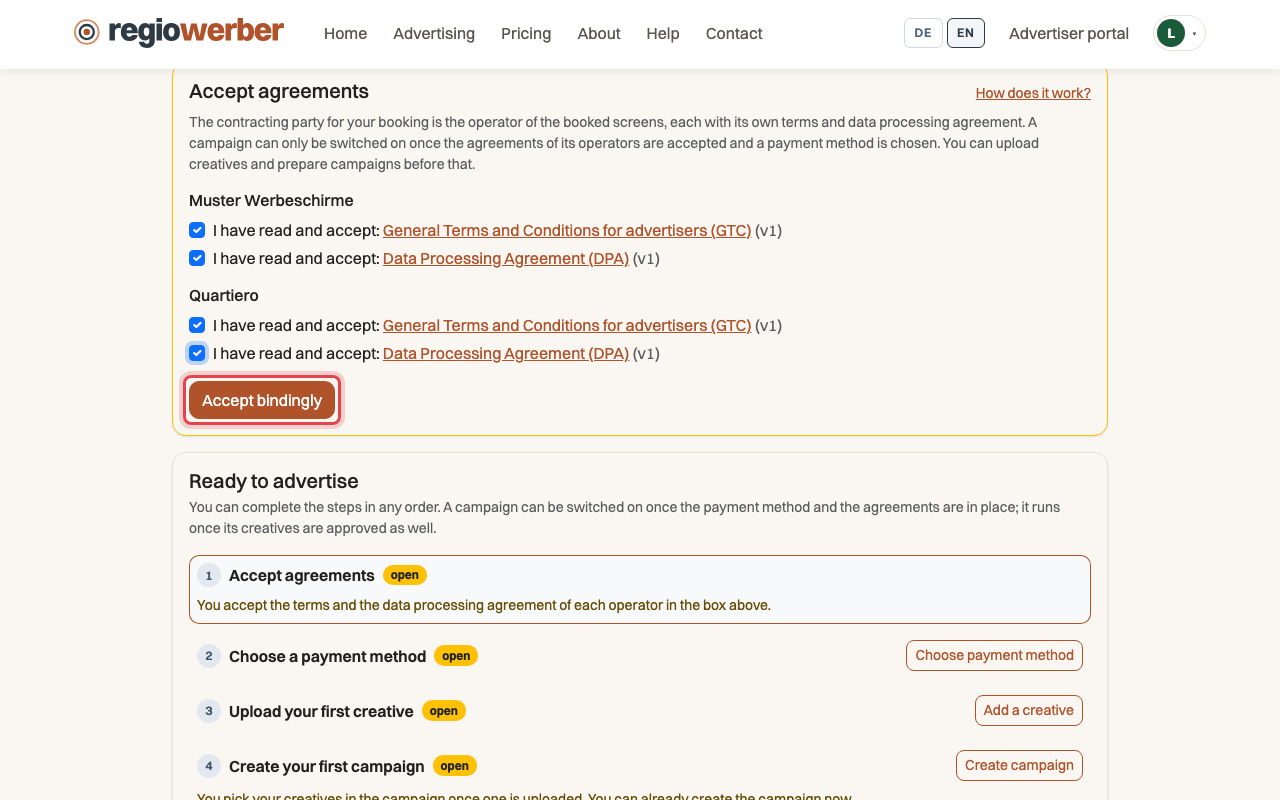
Step 4: Click “Accept bindingly”.
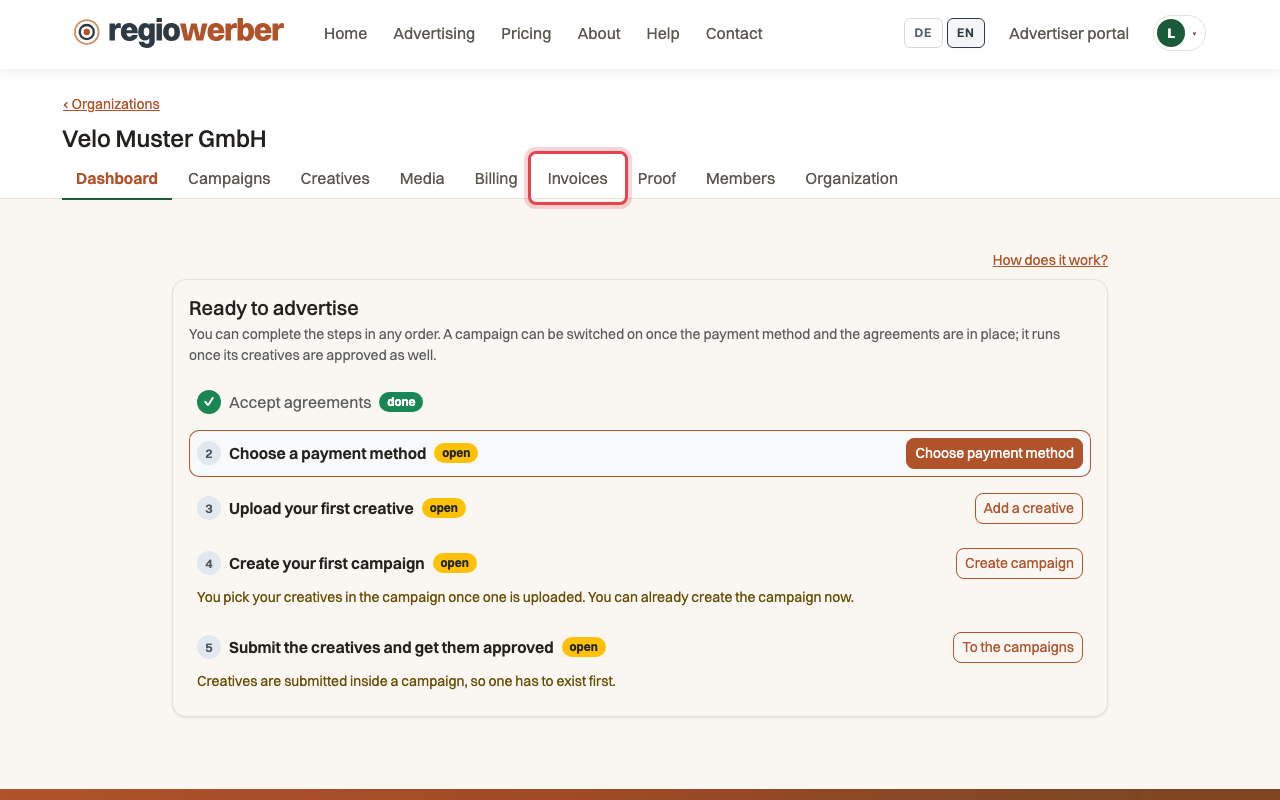
Step 5: Open the “Invoices” tab.
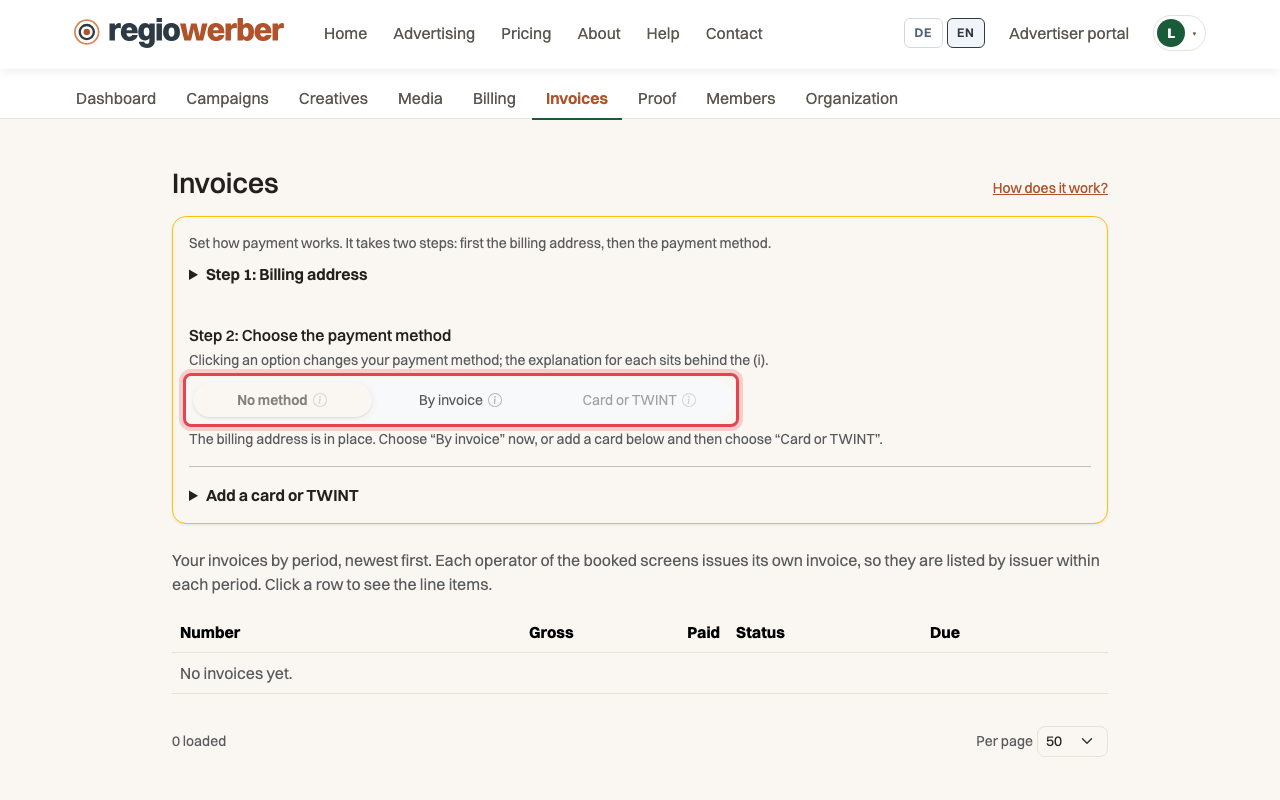
Step 6: Under “Step 2: Choose the payment method”, choose “By invoice”.
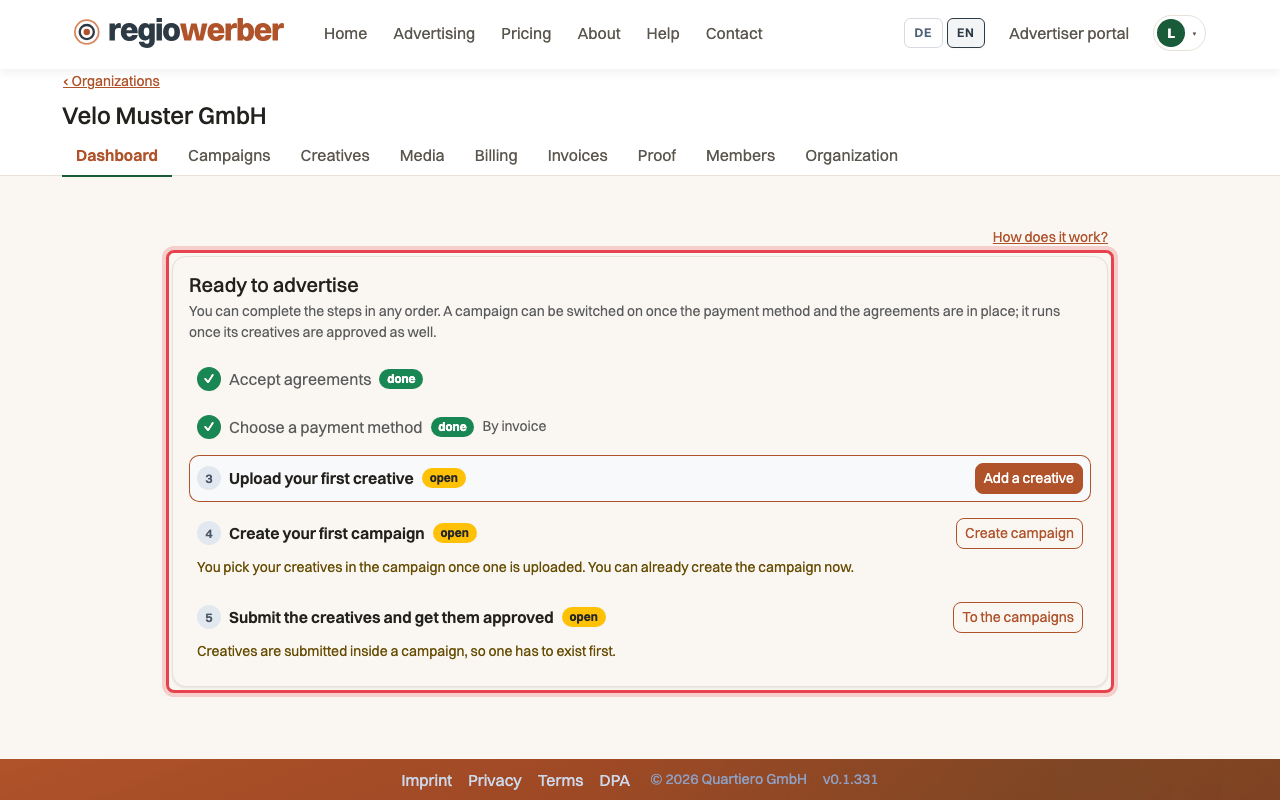
Step 7: On the dashboard, both steps under “Ready to advertise” are done.
Stuck at some point? Then write through the contact page. Go to contact